

 Gemini is Google’s assistant at gemini.google.com. MemoryPlugin gives it long-term memory that carries across your other AI tools, through the browser extension.
Set up
1
Install the extension
Install the browser extension and sign in to your MemoryPlugin account.
2
Open Gemini
Go to gemini.google.com. A floating MemoryPlugin button appears on the page.
3
Activate for the chat
Click the button to inject memories from your selected bucket into the composer, then send your message. This also tells Gemini how to save new memories as you talk.
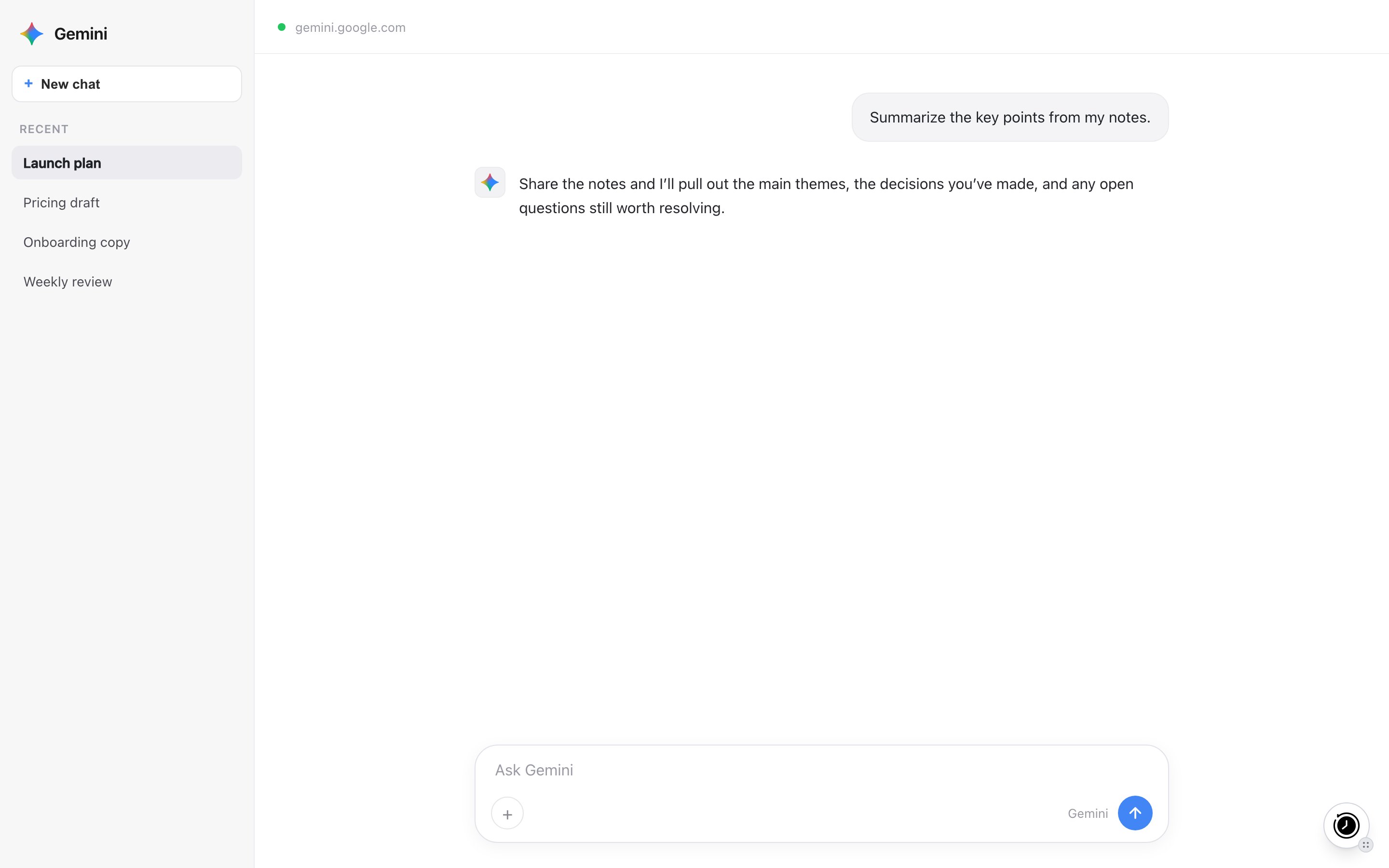
The MemoryPlugin floating button on gemini.google.com. Click it to inject memories or open the panel.
What works here
- Memory recall and save. Injected memories give Gemini context; new memories are saved back as you talk.
- Extract memory pill. Select text in a chat and click Extract memory to save that snippet.
Limitations
- Chat history sync is experimental. Gemini sync works through the extension, but Gemini’s interface changes without warning, so this can break. If you hit an issue, contact support through our website.
Next steps
Browser Extension
Full setup and features
Chat History
Import and search your conversations